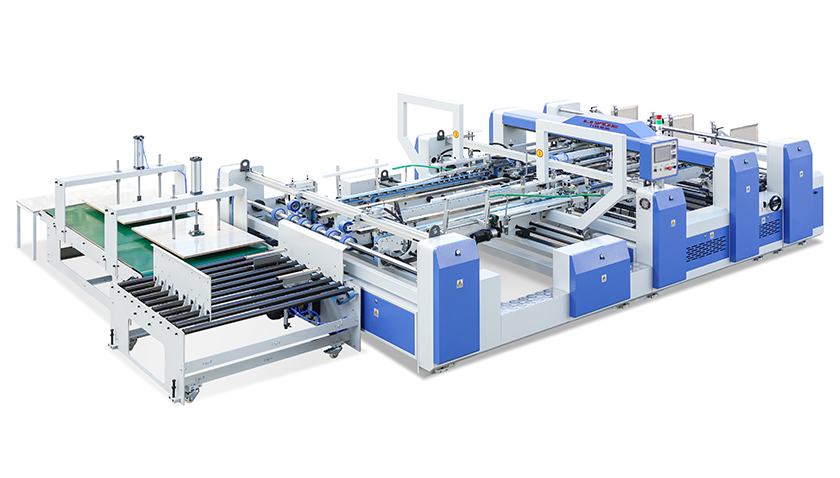
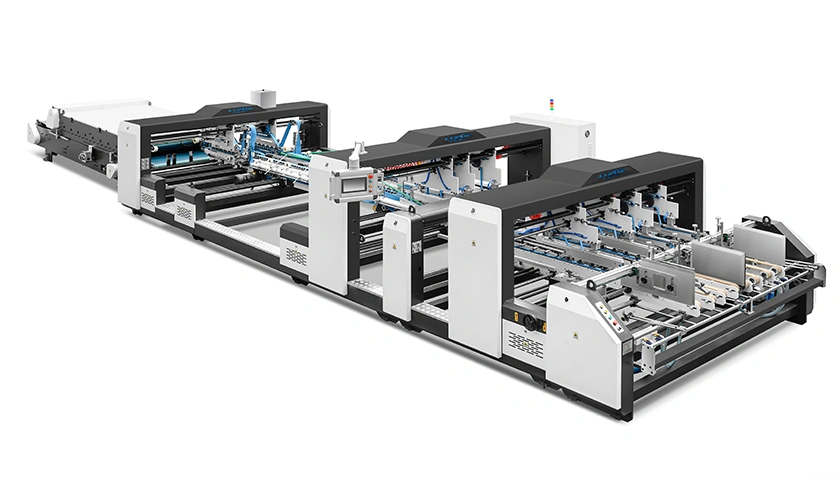
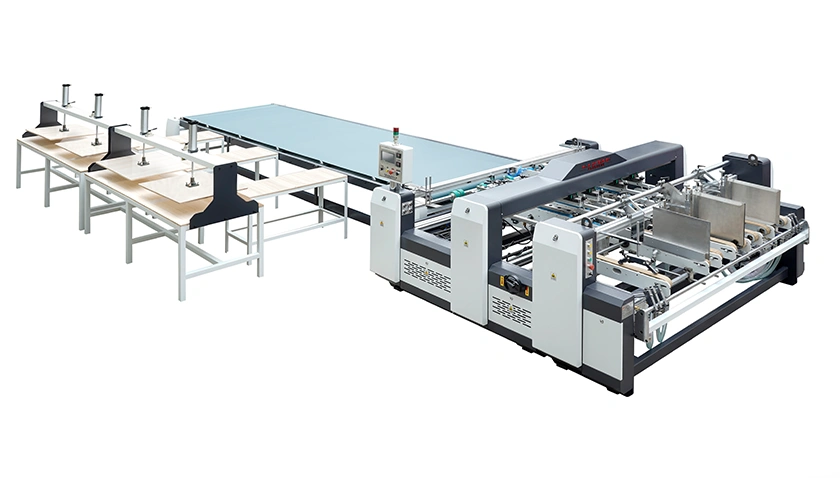
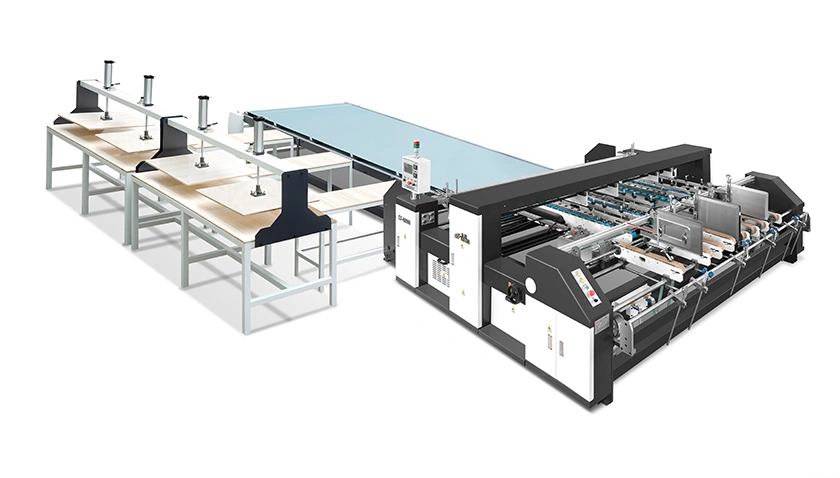
Intelligent manufacturing, Engineered for Demanding Lines
- Your Expert in Folder Gluers & Tape Pasting.

 Apr 30,2026
You have been running the same job for three hours. Then, without warning, cartons start emerging with glue skips. Or a jam stops the line entirely. Sound familiar?
In a busy carton plant, every unplanned stop bleeds money—not just in lost production, but in overtime labor, wasted materials, and rescheduled deliveries. According to industry benchmarks, unscheduled downtime in folding‑gluing operations can cost between 500and500and2,000 per hour, depending on line volume and order urgency.
Yet most folder gluer problems share the same root causes: overlooked daily checks, environmental changes (temperature, humidity), or gradual mechanical wear that nobody noticed until it failed. This checklist is designed for operators and maintenance technicians who want to move from reactive firefighting to systematic diagnosis.
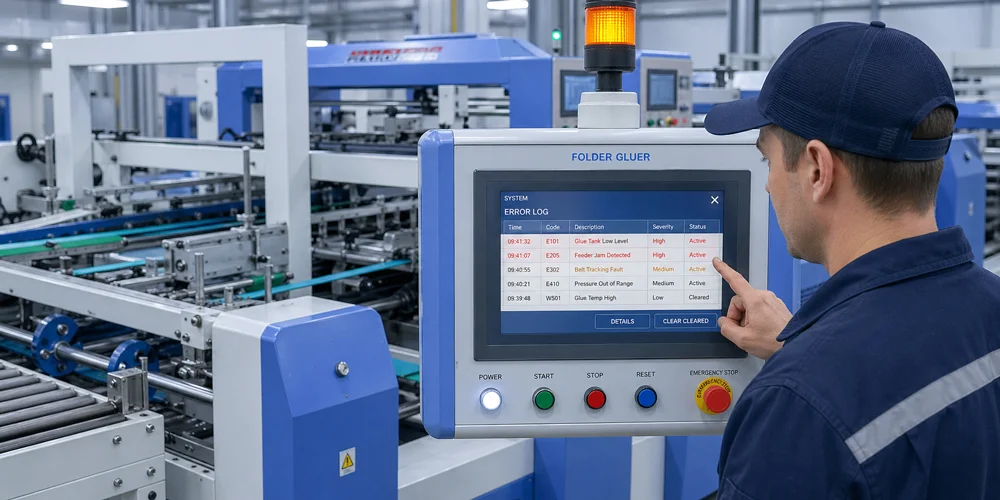
Glue-related problems are the number one cause of rejected cartons and rework. Symptoms include weak seams that pop open, messy glue lines, or no glue at all. Use this diagnostic sequence:
Symptom A: No glue or intermittent glue skips
Check the glue tank level (most common oversight).
Inspect nozzles for dried residue — a 15‑minute daily purge can prevent 80% of nozzle clogs.
Verify glue pump pressure. If pressure is too low, the adhesive may not reach the applicator consistently.
Listen for unusual pump sounds; a starving pump often indicates a clogged intake filter.
Symptom B: Uneven glue distribution (thick in some spots, thin in others)
This is often caused by incorrect glue roller gap settings. The gap between the pickup roller and the application roller directly controls adhesive film thickness.
Check glue viscosity — temperature swings during winter or summer can alter flow properties. Use a viscosity cup to verify.
Clean glue applicators daily. Hardened glue buildup is a primary cause of uneven spray patterns.
Confirm that the glue type matches the board substrate (corrugated vs. solid board need different formulations).
Symptom C: Glue strings or contamination on finished cartons
Excessive glue application pressure or too much adhesive flow.
Ambient temperature too high, causing glue to remain tacky and string.
Worn applicator roller surface — inspect for grooves or uneven wear.
Pro tip: Run a test sheet at 50%, 75%, and 100% speed, then inspect seam integrity at each speed. This isolates whether the problem is speed‑dependent (often indicating viscosity or pressure issues).
Nothing stops production faster than a jammed blank. Jams waste material, risk mechanical damage, and frustrate operators.
Symptom A: Misfeeds — sheets feed crooked or not at all
Misaligned paper stacks are the most common cause. Ensure the stack height is correctly set and the side guides are square.
Suction cups (if equipped) may be worn or improperly positioned — check for cracks and ensure even pickup.
Worn feed rollers reduce grip. Replace them when the surface feels slick or shows flat spots.
Debris buildup under belts or on feed tables — a simple daily vacuuming prevents many jams.
Symptom B: Jams in the folding section
Check for foreign objects (small paper scraps, broken belt fragments) lodged between folding plates.
Verify that blank dimensions are within the machine's specified range. Trying to fold boards that are too thick or too wide invites jams.
Loose belts on the conveyor system can cause blanks to skew mid‑run, triggering sensors to stop the line.
Symptom C: Frequent jams at high speed but fine at low speed
This typically indicates a dynamic alignment issue. The folding plates or conveyor rails may be slightly out of parallel — misalignment that only becomes problematic under vibration and higher throughput.
Check belt tension again; slippage at high speed is a classic failure mode.
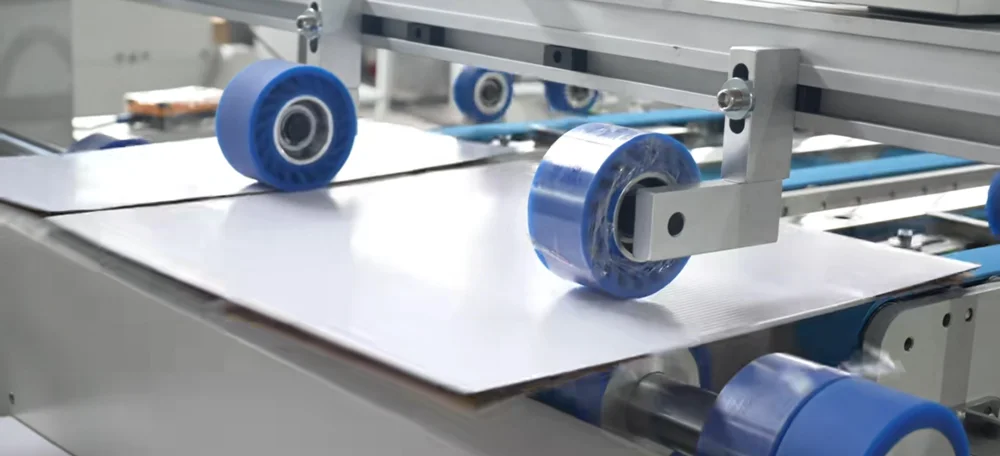
A well‑maintained feeder and conveyor system dramatically reduces paper waste and frustration. When preparing for a major production push, review detailed component inspection guidelines to ensure all belts, rollers, and sensors are in spec.
Misaligned folds and crease marks that miss their intended line create cartons that do not close properly or fail quality inspection.
Symptom A: Folded flaps not meeting evenly (gaps or overlaps)
Start by checking the folding plates. Are they set to the exact blank dimensions? Even 1 mm off can produce visible gaps.
Inspect folding plates for wear. The leading edges where board contacts first can become rounded over time, causing inconsistent fold initiation.
Verify that the creasing line (the indentation that guides the fold) is correctly positioned and not worn flat. Dull creasing tools crush rather than fold, leading to ragged edges.
Symptom B: Skewed folds — one side folds correctly, the other drifts
This is almost always a conveyor alignment issue. Belts or transport chains on the left and right sides may be traveling at slightly different speeds.
Check for debris or glue residue on carrier belts. Uneven belt surfaces cause blanks to turn as they travel.
Verify that the folding arms or ploughs are equally positioned on both sides.
Symptom C: Crease marks missing the intended fold line
The slotting or creasing tool may be misaligned or worn. Dull knives produce inconsistent crease depths, allowing the board to fold along a different path.
If the machine has memory for job recipes, reload the stored parameters and run a test sheet — sometimes a parameter drift is the culprit.
Modern folder gluers rely on photoelectric sensors and PLC controls. When sensors fail, the machine typically stops without a clear mechanical reason — leading to mystifying downtime.
Common sensor issues:
Dirty optics — Paper dust and fine glue mist accumulate on sensor lenses, causing false signals. Wipe sensors daily with a soft, dry cloth.
Loose wiring connections — Vibration over months can loosen terminal screws. During weekly checks, inspect the control cabinet and tighten any loose connections.
Misaligned sensor targets — If a sensor bracket was bumped during cleaning, the sensor may no longer "see" the passing blank. Realign per the machine manual.
When the control panel shows an error code you have never seen: Reference the machine's error code table (usually inside the cabinet door or in the manual). Never guess — incorrect parameter changes can worsen the problem.
If repeated electrical faults occur after a power outage or storm, access the electrical system diagnostic checklist for voltage stability checks and component testing procedures.
Seasoned operators can often hear a problem before it stops production. Do not ignore these audible warnings.
| Sound | Likely Cause | Immediate Action |
|---|---|---|
| Squealing or chirping | Dry bearings or slipping belts | Stop machine; lubricate bearings; check belt tension |
| Grinding or rumbling | Worn gearbox or bearing failure | Shut down; inspect gearbox oil level; call maintenance |
| Clicking or snapping | Debris in folding section or loose fastener | Visually inspect folding plates and fasteners |
| Hissing | Pneumatic air leak (fittings or hoses) | Locate leak with soapy water; replace cracked hose |
| Intermittent thumping | Loose belt splice or damaged timing belt | Inspect belts for missing teeth or damaged splices |
Systematic diagnosis: When you hear an abnormal sound, note whether it changes with machine speed. Speed‑dependent noises usually point to rotating components (bearings, gears). Constant‑frequency noises often indicate belt or conveyor issues.
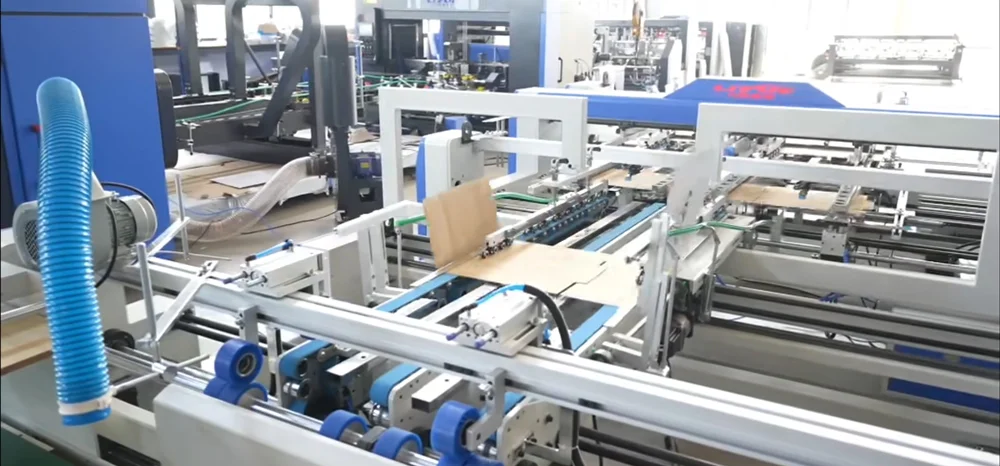
A common mistake is adjusting components that actually need replacement. Here is a quick rule of thumb:
Adjust when settings drifted due to vibration or a recent job change (fold plate position, glue pressure, guide rail spacing).
Replace when components show visible wear (cracked belts, worn suction cups, grooved rollers, dull creasing knives). Trying to "adjust away" worn parts only hides the problem until it fails catastrophically.
Many plants keep a small emergency kit at the machine with common spares: belts, sensors, nozzle tips, and fuses. This reduces mean time to repair (MTTR) from hours to minutes.
A checklist is only useful if people actually use it. The most reliable folder gluer lines share three habits:
Daily 10‑minute pre‑shift inspection — Visual check of belts, glue system, safety interlocks, and sensor lenses.
Clean‑as‑you‑go discipline — Glue residue wiped off rollers and belts immediately after job completion. Dried glue is exponentially harder to remove.
Log every fault — Even minor jams. Over time, patterns emerge that point to root causes (e.g., "every Monday morning after weekend shutdown" may indicate glue thickening in cold weather).
Most folder gluer problems do not appear suddenly. They announce themselves through subtle signs: a glue line that becomes slightly wider, a faint new vibration, jams that happen 5 minutes more frequently each month. A systematic troubleshooting checklist turns these whispers into actionable warnings before they become costly screams.
Whether you operate a new high‑speed line or run a well‑worn workhorse, the principles are the same: diagnose by symptom, verify by component, fix with precision, and prevent with routine.
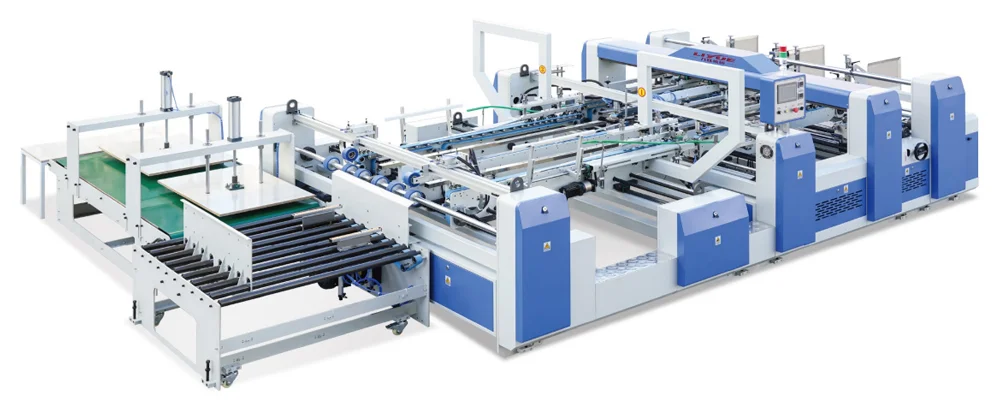
If your team is spending more time troubleshooting than producing, review the full technical support and maintenance resources to identify gaps in your current prevention program. And when it is time to explore equipment that minimizes common failure modes through better design, browse the complete folder gluer product range to compare features like automated glue control, self‑diagnostic sensors, and quick‑change tooling.
References: FEFCO technical bulletins on folding‑gluing best practices; ISO 9001:2025 equipment maintenance framework (Clause 7.1.5, monitoring and measuring resources); internal maintenance logs from European and Asian carton plants (2024–2026).
Disclaimer: Troubleshooting procedures vary by machine model and manufacturer. Always consult your equipment manual and follow lockout/tagout safety procedures before performing any maintenance or repairs. The checklist above represents general industry best practices and may not cover all machine‑specific nuances.


 Apr 30,2026
Mar 31,2026
Apr 30,2026
Apr 30,2026
Mar 31,2026
Intelligent manufacturing, Engineered for Demanding Lines
- Your Expert in Folder Gluers & Tape Pasting.